Software Release Notes - SolarEdge Monitoring
Latest Release: September 2026
This release, covering SolarEdge ONE for C&I and the Residential Monitoring Platform, includes a number of new features and general maintenance fixes/updates, including:
Improved Inverter Settings Report
Added two new remote Inverter settings in Device Operations as well as made improvements to the Inverter Settings Report to satisfy Germany DE-4110 compliance requirements.
Smoother Nexis Visibility
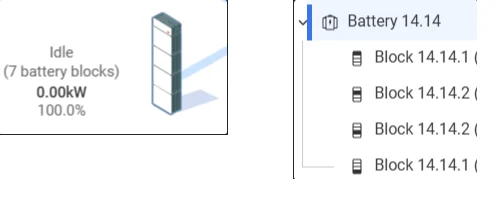
Nexis visibility within the Monitoring platform has been improved:
- You can now see an accurate image on the power flow (up to four blocks), along with the battery count.
- Within Analysis, you can see the battery blocks locations, relative to the stack
Expanded Site List Functionality
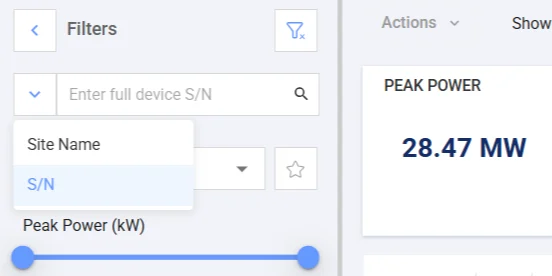
- You can now search in the site list using the S/N (Serial Number) of any device we store the serial number for. (Previously it only supported Power Optimizers and Inverters)
- The Site List's Equipment Filter includes ONE Controller and Commercial Storage criteria
New Notification for Sites with Active Export Limit
Sites in Germany now see a notification if the time-period they are viewing contains curtailment from a third-party controller, due to grid compliance limitations.
Streamlined Site Details List
The Site Details list on Site Overview has been streamlined, so it takes up less space and is more informative. ‘Battery Backup Reserve’ and ‘Weather Guard' status have also been added for residential sites with batteries.
Previous Releases
SolarEdge Monitoring: May 2026 Release
This release, covering SolarEdge ONE for C&I and the Residential Monitoring Platform, includes a number of new features and general maintenance fixes/updates, including:
New Site Overviews and Power Flows
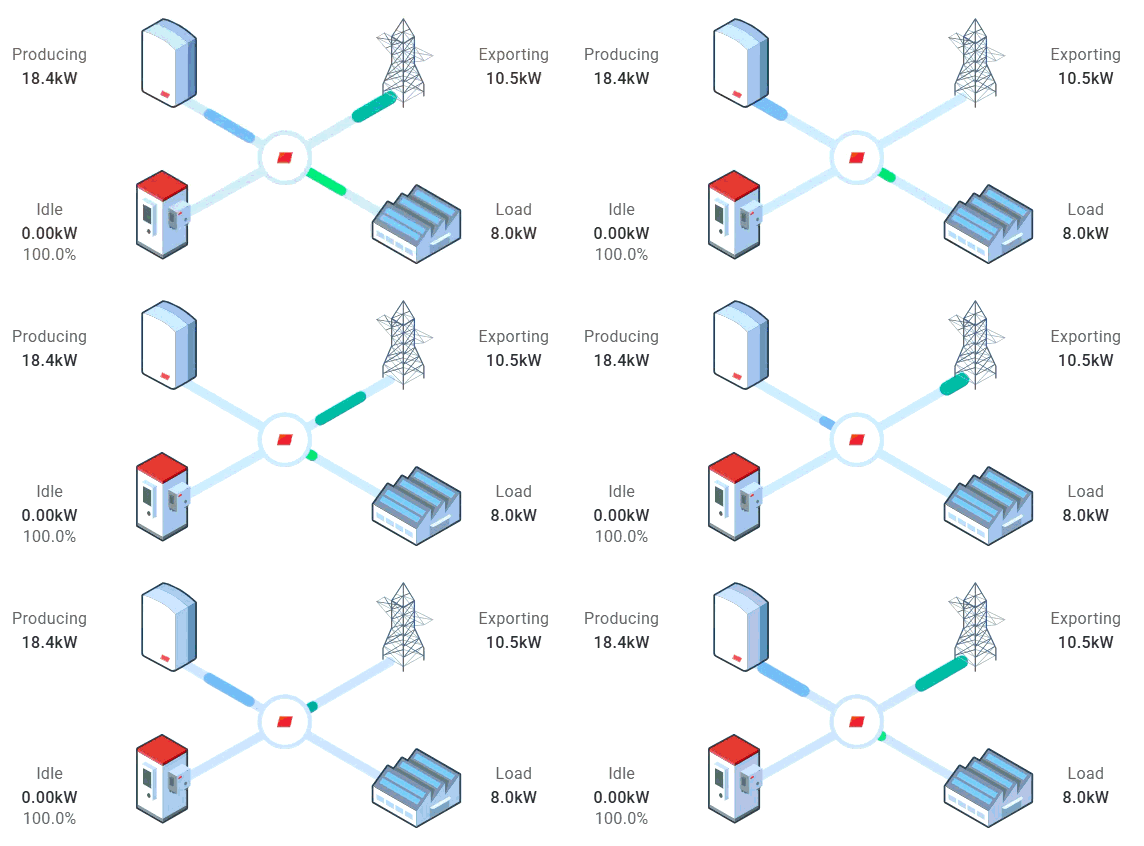
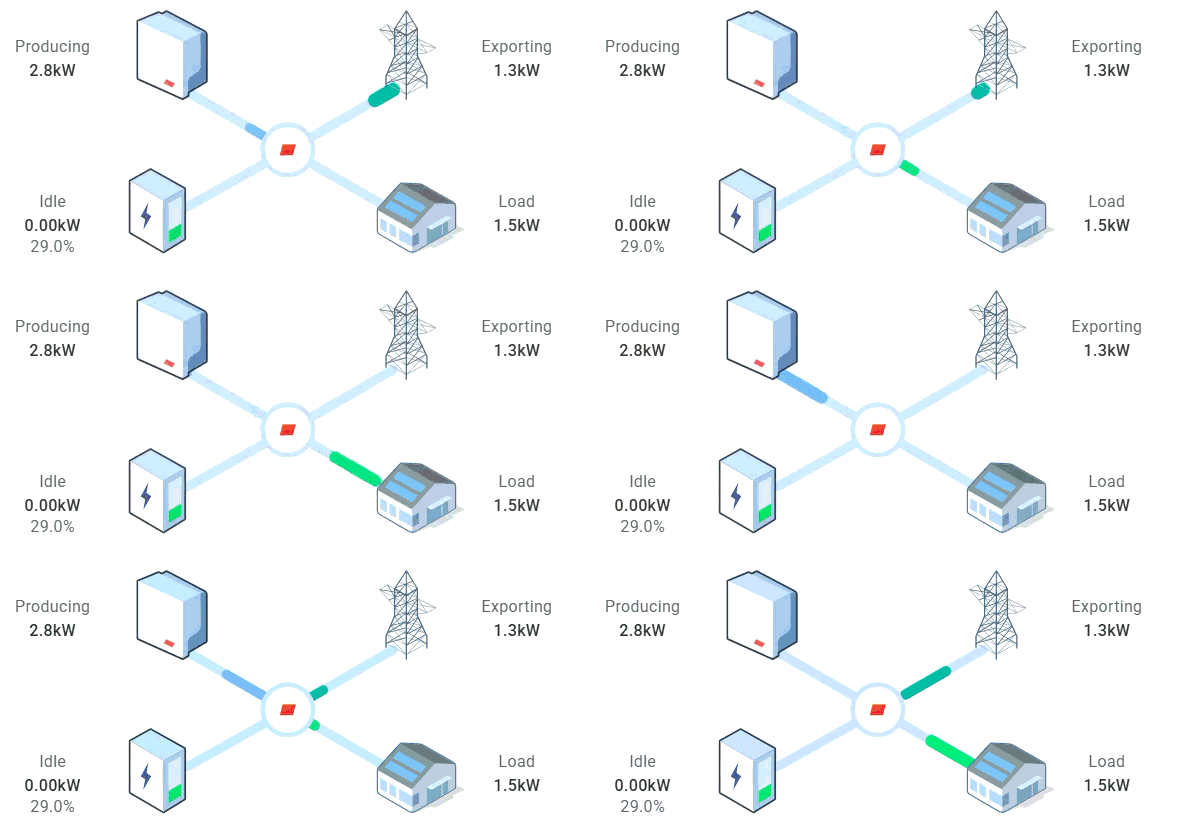
Commercial and residential sites now share a unified dashboard experience with consistent power flow diagrams - users managing mixed portfolios no longer encounter divergent layouts depending on site type.
The power flow icons have been refreshed with distinct visuals for commercial and residential sites:
Commercial Site Power Flow
Residential Site Power Flow
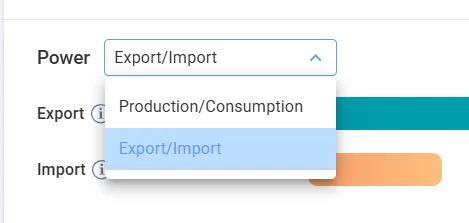
Commercial site users can now switch between a Production/Consumption view and an Export/Import view on the site overview chart, bringing parity with what was previously only available on residential sites.
Improved ‘Partial’ Communication Status
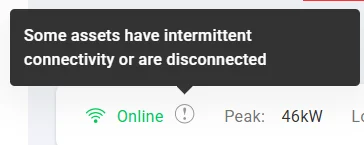
Previously, if some devices were not communicating, the site showed a "Partial" communication status. This has now been replaced with a cleaner, two-state system: Online and Offline.
If some devices on a site are not communicating, the site will still show as Online, but with a warning icon next to it. Hovering over the icon shows a short explanation, and clicking it takes you directly to Device Operations, automatically scrolling and expanding hierarchies so non-communicating devices are within the view.
Sensor Aliasing
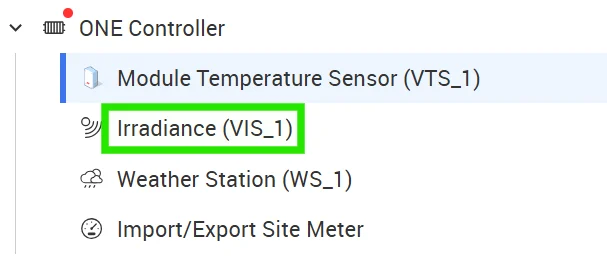
Weather sensors commissioned via the SolarEdge ONE Controller for C&I are assigned system-generated IDs (e.g. VIS_1, VTS_1, WS_1) that are difficult to identify on large sites with many sensors.
It is now possible to assign a custom name (alias) to each sensor in Site Admin > Logical Layout.
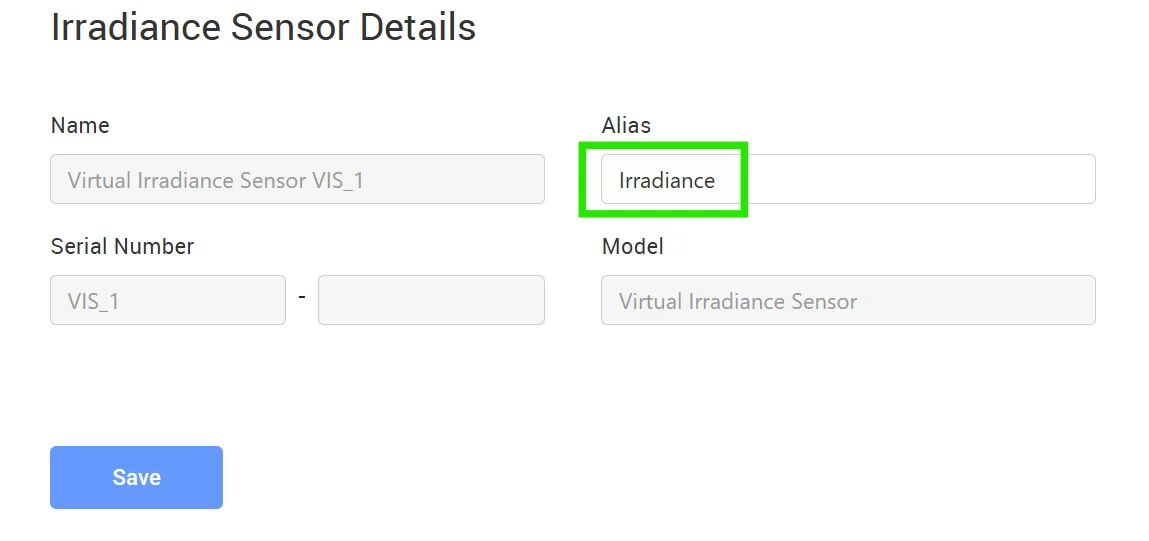
The alias appears throughout the parts of the ONE for C&I platform where sensor information is exposed, in the format ‘Alias (Logical ID)’.
To remove an alias and return to the default name, simply clear the alias field and save. The underlying sensor ID is never changed.
SolarEdge Monitoring: April 2026 Release
This release, covering SolarEdge ONE for C&I and the Residential Monitoring Platform, includes a number of new features and general maintenance fixes/updates, including:
Equipment Filter additions
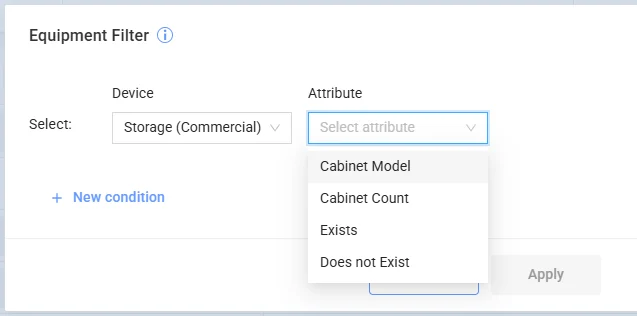
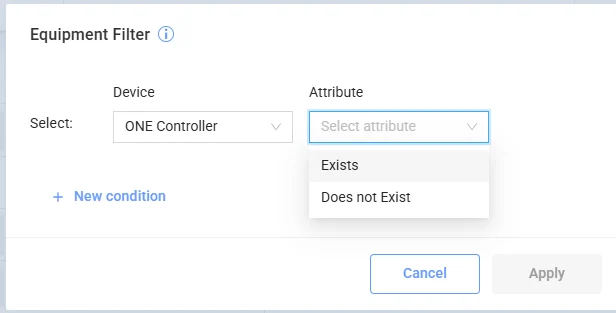
Two new additions to the Equipment filter (bottom-left of the site list):
CSS-OD
Users can now search sites by Commercial Storage (CSS-OD) metrics such as ‘Exists’, ‘Count', ’Model':
SolarEdge ONE Controller for C&I
Users can also filter sites with / without the ONE Controller for C&I:
Cellular Connectivity Status
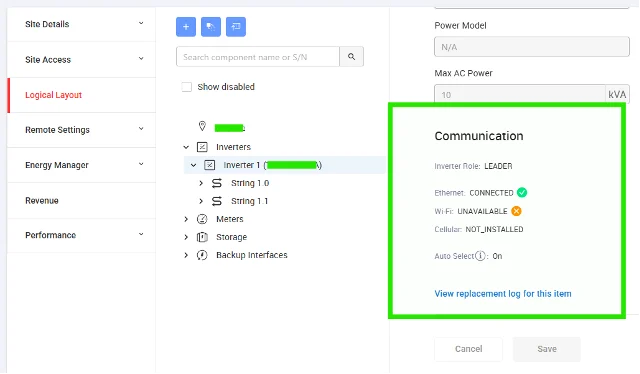
Site Admin now supports four distinct cellular connectivity states providing clear insights into why an inverter isn’t communicating, replacing the previous binary "Available / Unavailable" indicator. This update saves unnecessary site visits to determine the cause of the communication issue.
The four states are:
- Connected - the active communication method
- Available - the connection type is present, but isn't the active connection
- Not Available - hardware is detected but cannot reach the server (no service)
- Not Installed - no SIM detected; in North America, where the SIM is integrated into the module, this indicates the cellular module itself was not installed or has a hardware issue
Example 1: Connected to Ethernet, Wi-Fi unavailable, and SIM not detected.
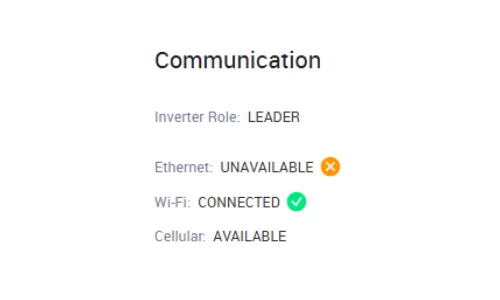
Example 2: Ethernet unavailable, SIM installed and available, but Wi-Fi connection in use.